
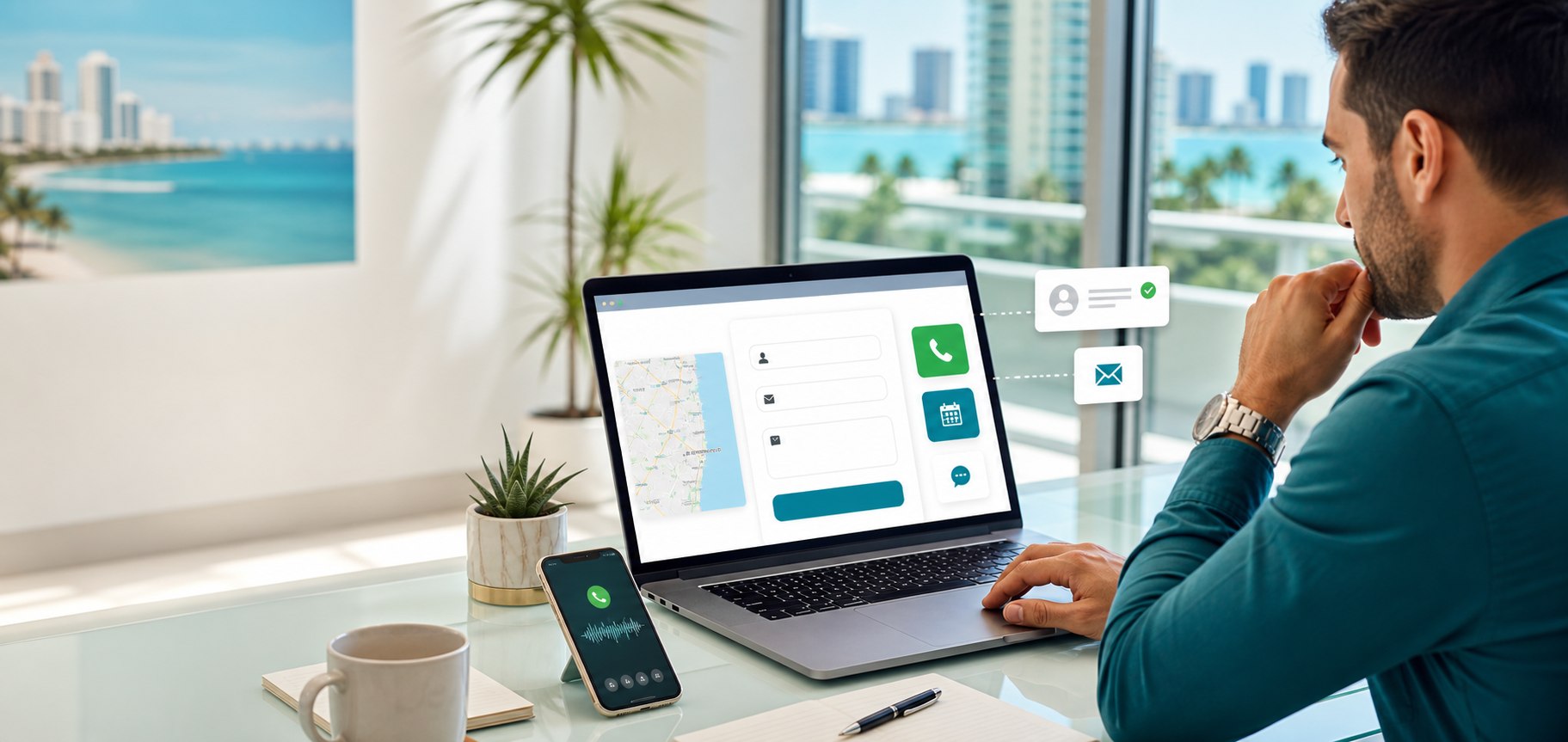
For many South Florida service businesses, the contact page is where marketing either turns into a real opportunity or quietly leaks value. A visitor may arrive from Google, social media, a referral, or a paid campaign, but the final decision often happens on a simple page with a phone number, form, and a few trust signals.
That simplicity is exactly why the page matters. If the contact page feels vague, slow, hard to use on mobile, or disconnected from the service the person wants, qualified prospects may leave before reaching out. A stronger contact page makes the next step clear and removes the small doubts that stop people from acting.
Make the primary action obvious
Visitors should not have to guess what to do next. If the best lead path is a phone call, make the phone number click-to-call on mobile and repeat it near the form. If the best path is a consultation request, make that language clear in the page heading and button copy. If booking a time is available, present it as a clear option instead of burying it in body copy.
This is especially important when traffic comes from Google Ads or local SEO pages. The person clicked with a specific intent. The contact page should continue that intent instead of becoming a generic dead end.
Shorten the form, but keep the useful questions
A form with too many fields can hurt conversions, but a form that asks too little can create weak leads. The goal is balance. Ask for the basics: name, email, phone, service needed, and a short message. If project fit matters, add one practical qualifying field such as budget range, location, preferred timeline, or service category.
A good form should feel easy to complete on a phone. Large tap targets, clear labels, useful placeholder text, and simple validation can make a noticeable difference. If the form is frustrating, the visitor may assume the rest of the business experience will feel the same way.
Show local relevance near the conversion point
South Florida customers often want to know whether a business serves their area. The contact page should mention the real service area naturally when that information helps a prospect decide whether to get in touch.
This does not mean stuffing city names into every sentence. It means giving visitors confidence that they are contacting a business that understands their market and can actually help where they are located.
Add proof where hesitation happens
Reviews, portfolio links, short testimonials, certifications, before-and-after examples, and recognizable service details can all reduce hesitation. Many businesses hide proof on separate pages, but the contact page is exactly where that proof is useful.
For example, a web design lead may want to see recent work. An SEO lead may want to see local visibility experience. A law firm or service provider may want to see that the agency understands regulated or trust-heavy industries. Put the most relevant proof close to the form or phone number.
Explain what happens after someone reaches out
Uncertainty can stop action. A short sentence that explains the next step can help: "We usually respond within one business day," "Tell us about your project and we will recommend the next practical step," or "Use this form for website, SEO, Google Ads, or monthly marketing support."
This also helps set expectations for the business internally. If the website promises fast follow-up, the team needs a process for checking inquiries, routing them, and responding consistently.
Track calls, forms, and booking clicks separately
A contact page should be measured. Phone taps, form submissions, email clicks, booking clicks, and chat starts are different behaviors. Tracking them separately helps show which marketing channels and service pages are creating qualified interest.
This is where a stronger website design project can support the entire marketing system. Better contact page analytics can show whether SEO, social content, email follow-up, or paid ads are producing the kinds of leads the business actually wants.
Test the page from a real phone
Before assuming the page works, test it like a customer. Open it on a phone, tap the phone number, complete the form, check the confirmation message, and confirm the notification email arrives. Review the page in both strong and weak signal conditions if possible.
Small technical problems can hide for months: forms that fail silently, email notifications going to spam, buttons too low on the page, or tracking tags that never fire. A quick test can protect a lot of marketing spend.
If your website is getting traffic but the contact page is not creating enough useful inquiries, contact iDvlpr Marketing or email [email protected]. We help South Florida businesses improve website design, SEO, Google Ads, and conversion paths so visitors have a clear reason to become leads.