
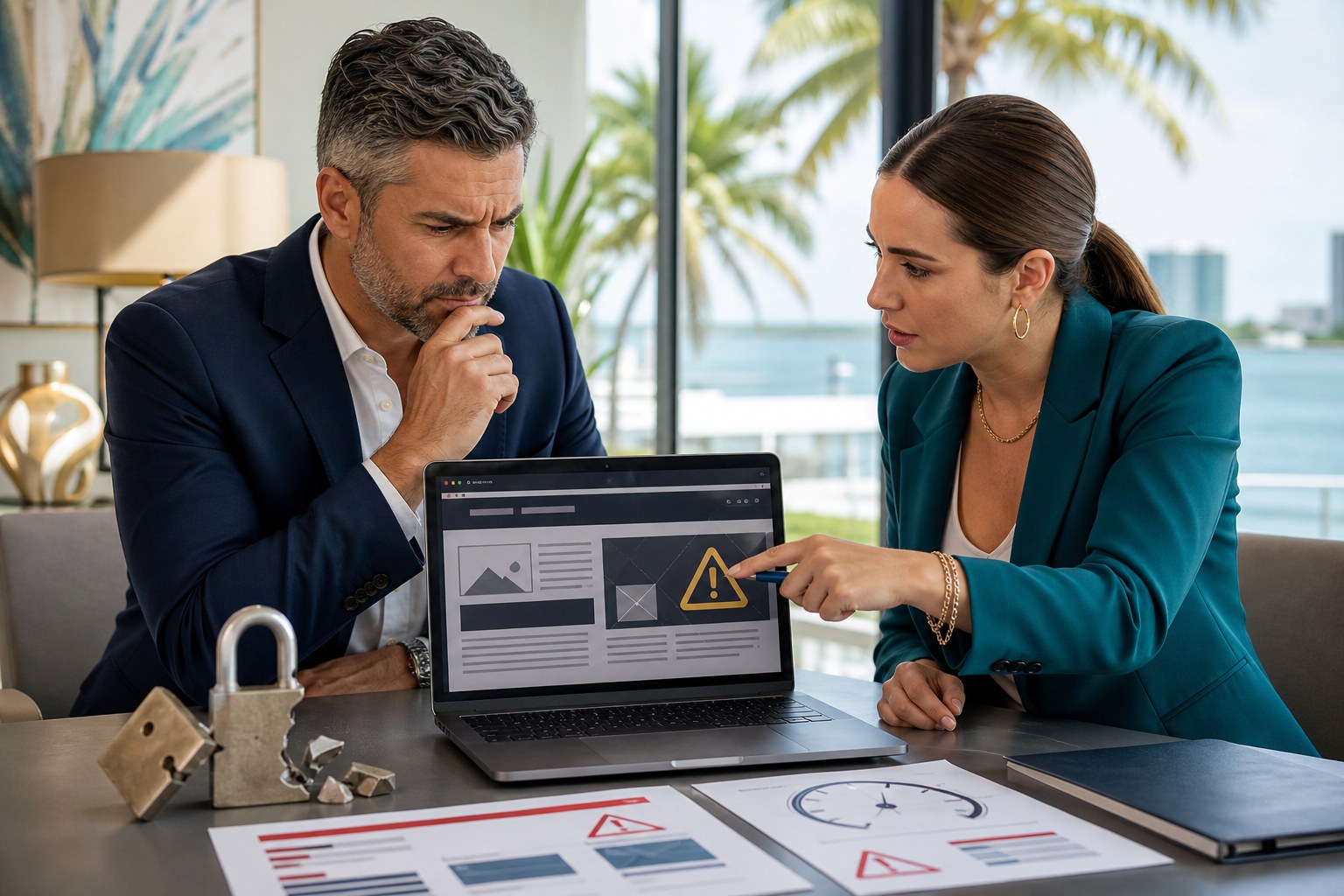
A vibe-coded website can look polished in a demo and still be unsafe in production. That is the part business owners do not always see: the site may work on the surface while hiding weak forms, exposed credentials, or sloppy code paths that make the business easier to attack.
For South Florida small businesses, the stakes are real. The website is often where calls, quote requests, file uploads, and payments begin. If the build was handled by someone who does not understand security, a simple shortcut can turn into spam, account abuse, or a data exposure that damages trust.
Security problems hide in shortcuts
Amateur AI builders often paste code they do not fully understand. That can mean disabled validation, weak authentication, or front-end snippets that reveal far more than they should. A site may look modern while quietly allowing input that should have been sanitized or blocked.
The problem is not just hackers breaking in. It is also the accumulation of tiny mistakes: default credentials left in place, stale plugins, outdated dependencies, and login routes that were never hardened. Those are the details professional teams review before a site ever gets traffic.
Forms and files are where damage starts
Contact forms, file uploads, and third-party widgets are common entry points for abuse. Without rate limiting, spam controls, and server-side validation, a website can become a delivery system for junk leads, malware, or scraping attempts that eat time and resources.
Professionals treat those paths carefully. They review where data goes, how it is stored, who can access it, and whether the site has safeguards if something goes wrong. That is the difference between a page that merely exists and a page that can be trusted.
Security is a process, not a plugin
There is no single toggle that makes a DIY AI website secure. Good security usually means multi-factor authentication, least-privilege access, backups, change tracking, staging, and a plan for updates that does not break the site while it is live.
That is also why a professional build tends to age better. The team knows how to audit changes, test them before release, and keep the site recoverable if something fails. Businesses do not just buy the website; they buy the process that keeps it safe after launch.
What business owners should ask before launch
Ask who has access, where passwords live, how backups are handled, and how plugin or theme updates are tested. Ask what happens if a form is abused or a vulnerability is found. If the answers are vague, the build is not ready.
If you want a website that is built for growth without gambling on security, our web design and WordPress development services can help. You can also reach us directly at [email protected].