

A WordPress redesign can appear to be a visual project until the team starts gathering content. Then the real questions arrive: Which services should receive their own pages? Which claims can be supported? What should happen to old pages? Who approves changes? And who will keep the site current once the new version is live?
Making those decisions early protects the schedule and gives the design work a useful job to do. The point is not to produce more pages. It is to build a clear, maintainable website that helps the right customer understand the business and take a sensible next step.
1. Decide the business action the redesign should improve
Start with one or two outcomes the new site should make easier. A service company may need stronger quote requests. A professional practice may need more informed consultation inquiries. A team with an outdated site may need staff to update services without opening a support ticket for every change.
That decision shapes the page plan. It tells the project which services need detail, what proof belongs close to the call to action, and what an inquiry form should ask. Without it, teams often spend time debating visual preferences while the customer journey remains unclear.
2. Create a reliable content inventory before anyone starts moving pages
List the current pages, files, photos, testimonials, frequently asked questions, forms, integrations, and documents that matter. Mark each item as keep, revise, replace, combine, or retire. This avoids a common launch problem: important information is found late, copied without review, or quietly lost during migration.
The inventory should also identify the business owner for every important fact. Service details, credentials, pricing guidance, case studies, policies, and team bios need a clear source and an approval path. A design team can organize and present this information, but it should not invent it.
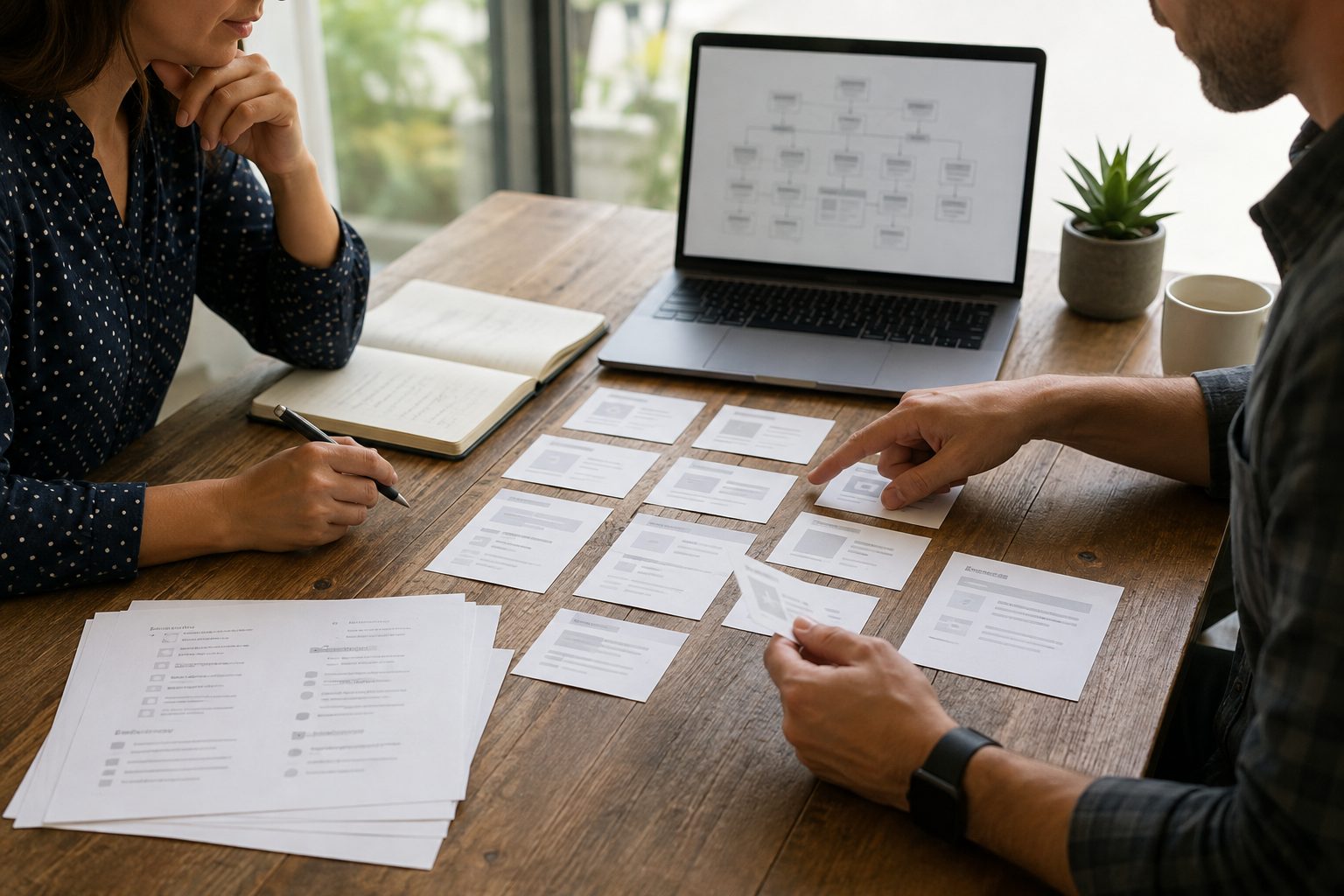
3. Give each priority service a clear page responsibility
A homepage can introduce the business, but it cannot answer every customer question. For each priority service, decide what the page needs to explain: who it helps, what is included, the process, the evidence that supports the claim, and the next step. That makes the page useful for visitors, referrals, campaigns, and search.
This is where a professional WordPress website build earns its value. A flexible page structure lets a team improve service details, publish a focused resource, add a real FAQ, or support a campaign without rebuilding the site whenever the business evolves.
4. Choose proof that a prospective customer can actually evaluate
Testimonials, portfolio examples, certifications, team experience, before-and-after context, and process explanations can all help a visitor decide whether to make contact. The useful question is not "What can we say?" It is "What can we support, and what would a careful buyer need to see?"
Use only approved client material and accurate claims. Avoid turning every page into a list of superlatives. Specific, relevant evidence is more credible than a vague promise, and it gives a web design team better material to organize around the visitor's decision.
5. Define who can approve, update, and protect the website
Before launch, agree on who approves content, who receives form leads, who has access to the domain and analytics, and who can publish routine changes. For WordPress, this also means deciding which staff roles need editing access and which changes require a review process.
Clear ownership is practical, not bureaucratic. It reduces accidental edits, prevents stale contact information, and makes it easier to keep the site aligned with the business. It also gives the organization a better foundation for updates, maintenance, security, and measurable improvement after launch.
6. Test the message and contact path on a real phone
Before a redesign goes live, read every priority page on a phone. Can a new visitor identify the service? Is the next step clear? Do the phone number, form, email link, and confirmation experience work? Does the page contain the proof and context needed before someone shares information?
Mobile review is also a content review. A dense paragraph, an unclear heading, or a buried call to action becomes more costly on a small screen. Good web design and development treats the copy, layout, media, performance, and contact path as one connected experience.

Use AI carefully during the planning process
AI can help a project team organize an inventory, find repeated themes, draft a starting outline, and create quality-control checklists. It cannot confirm whether a service claim is accurate, decide what a customer needs to know, or take responsibility for the final website. Those decisions need a person who understands the business and reviews the work.
That balance keeps the process efficient without filling a new website with generic copy. The standard should remain the same: accurate information, original value, accessible pages, properly licensed assets, and a website that remains useful after launch.
A practical pre-design checklist
- Name the customer action the redesign should improve.
- Inventory current pages, media, forms, integrations, and important files.
- Assign an owner and approval path to every major content area.
- Give each priority service page a distinct job.
- Use proof that the business can support and the customer can evaluate.
- Test the finished content and contact path on an actual phone.
Plan the content so the WordPress site can keep improving
A redesign should make the next website improvement easier, not create a polished site that becomes difficult to maintain. iDvlpr Marketing helps businesses plan WordPress websites around clear service content, practical ownership, conversion paths, and launch quality. Explore our WordPress development services or contact iDvlpr Marketing to discuss a website project.
Note: This article provides general website-planning information. It does not guarantee rankings, leads, sales, or business results.